



关于博客搭建,很早之前尝试在宝塔面板搭建,环境一直没配置成功.使用过wordpress 7.0去搭建也半途而废,不得说wordpress功能很全面,但是配置起来,费事费力,更换图片,页面编辑,一二级菜单,操作起来让我头痛.
有没有快速上手,搭建就可以用,自由度可以不用这么高,集成度高.之前看有云转晴博客页面很好看,发现他使用halo,使用主题halo-theme-joe3.0
项目地址:https://docs.halo.run/getting-started/install/docker-compose?current=halo-mysql
主题地址:https://github.com/jiewenhuang/halo-theme-joe3.0
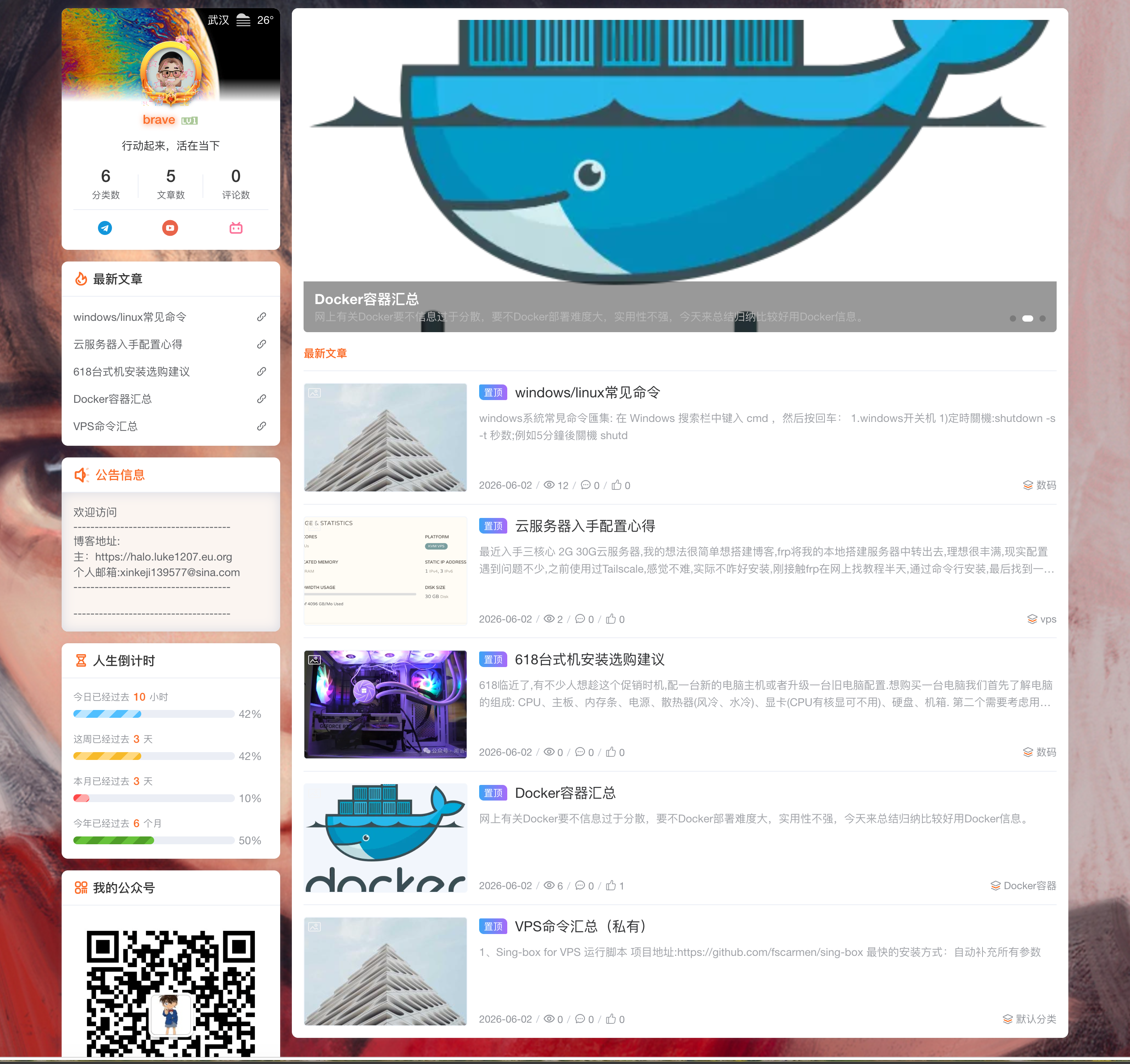
halo安装命令:
services:
  halo:
    image: registry.fit2cloud.com/halo/halo-pro:2.24
    restart: on-failure:3
    depends_on:
      halodb:
        condition: service_healthy
    networks:
      halo_network:
    volumes:
      - ./halo2:/root/.halo2
    ports:
      - "8090:8090"
    healthcheck:
      test: ["CMD", "curl", "-f", "http://localhost:8090/actuator/health/readiness"]
      interval: 30s
      timeout: 5s
      retries: 5
      start_period: 30s
    environment:
      # JVM 参数,默认为 -Xmx256m -Xms256m,可以根据实际情况做调整,置空表示不添加 JVM 参数
      - JVM_OPTS=-Xmx256m -Xms256m
    command:
      - --spring.r2dbc.url=r2dbc:pool:mysql://halodb:3306/halo
      - --spring.r2dbc.username=root
      # MySQL 的密码,请保证与下方 MYSQL_ROOT_PASSWORD 的变量值一致。
      - --spring.r2dbc.password=o#DwN&JSa56
      - --spring.sql.init.platform=mysql
      # 外部访问地址,请根据实际需要修改
      - --halo.external-url=http://localhost:8090/

  halodb:
    image: mysql:8.1.0
    restart: on-failure:3
    networks:
      halo_network:
    command:
      - --default-authentication-plugin=caching_sha2_password
      - --character-set-server=utf8mb4
      - --collation-server=utf8mb4_general_ci
      - --explicit_defaults_for_timestamp=true
    volumes:
      - ./mysql:/var/lib/mysql
      - ./mysqlBackup:/data/mysqlBackup
    healthcheck:
      test: ["CMD", "mysqladmin", "ping", "-h", "127.0.0.1", "--silent"]
      interval: 3s
      retries: 5
      start_period: 30s
    environment:
      # 请修改此密码,并对应修改上方 Halo 服务的 SPRING_R2DBC_PASSWORD 变量值
      - MYSQL_ROOT_PASSWORD=o#DwN&JSa56
      - MYSQL_DATABASE=halo

networks:
  halo_network:
安装好了,http://IP:8090访问,进入博客管理页面
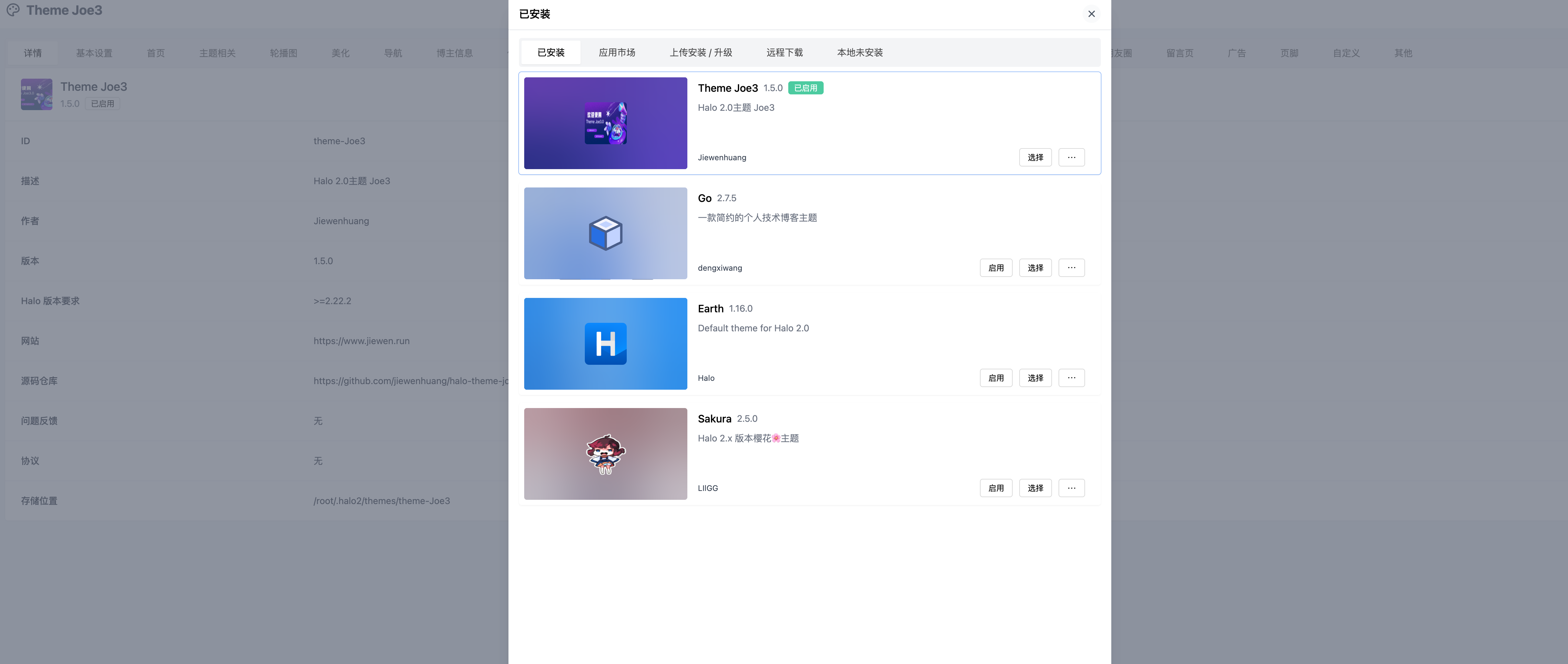
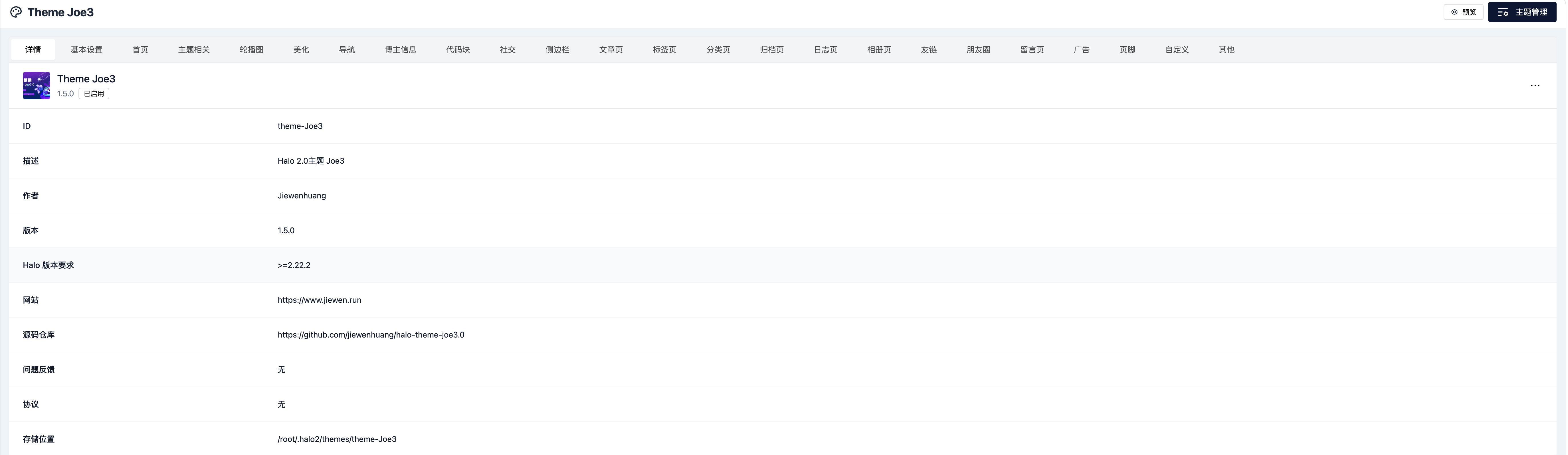
进入主题,主题管理里商店下载joe3并启动
可以主题页面添加天气api,可以添加网页云歌单ID,可以添加博主相关介绍,编辑菜单、子菜单.
其他功能需要大家去探索,这个是有数据库mysql,后台有备份/恢复功能,数据迁移也很方便.
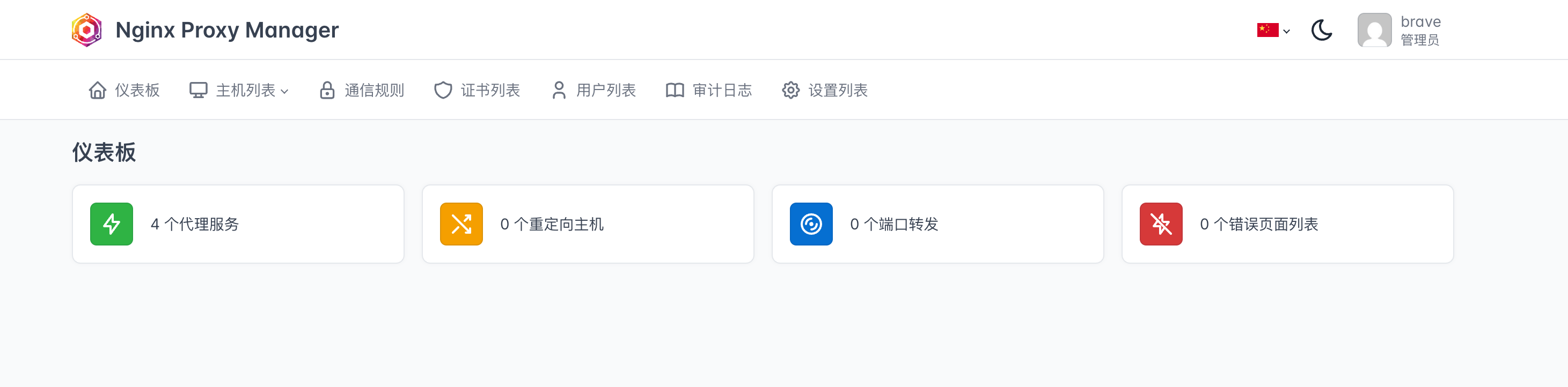
如果有公网ip/云服务器推荐使用Nginx Proxy Manager
项目地址:https://github.com/NginxProxyManager/nginx-proxy-manager
services:
  app:
    image: 'docker.io/jc21/nginx-proxy-manager:latest'
    restart: unless-stopped
    ports:
      - '80:80'
      - '81:81'
      - '443:443'
    volumes:
      - ./data:/data
      - ./letsencrypt:/etc/letsencrypt
Email:    admin@example.com
Password: changeme访问:http://127.0.0.1:81(IP:81)
关于博客搭建有很多优秀其他项目,感兴趣可以去看下.
地址:https://github.com/notionnext-org/NotionNext
感谢观看,欢迎点赞收藏转发
kelu 2026.6.3 11:02